The Hidden SEO and Workflow Cost of Digital Disorganization
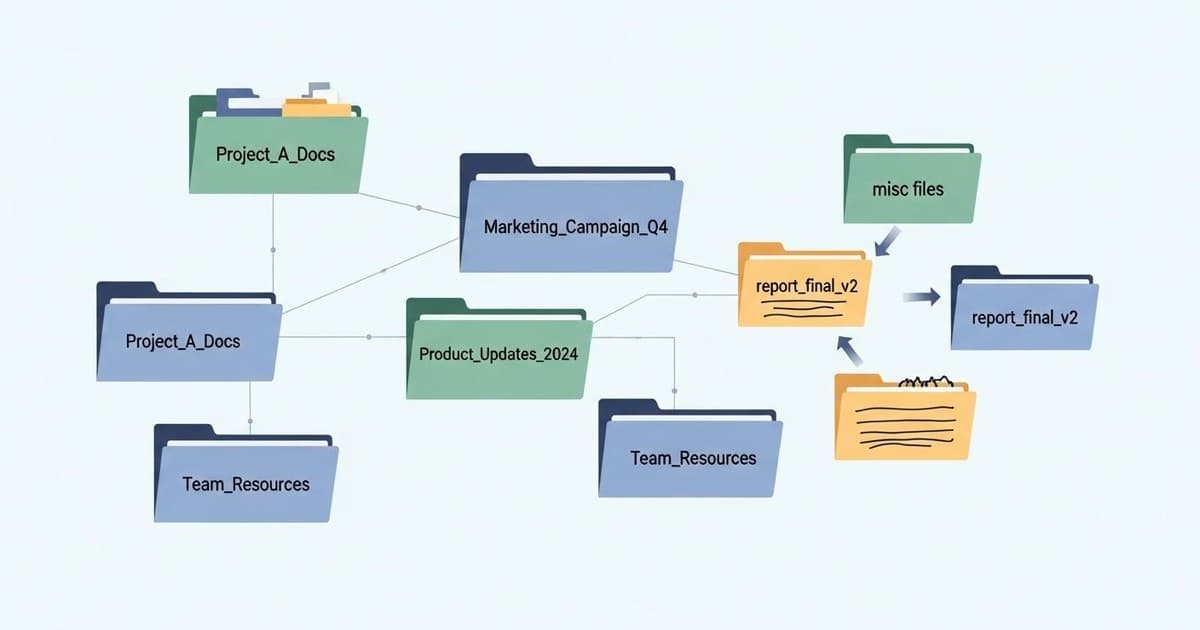
For travel agencies, managing a massive library of destination photos, itineraries, client guides, and blog drafts is a daily reality. However, when files are scattered across disorganized folders with names like "final_v2_beach_photo.jpg," your business suffers. A chaotic file structure doesn't just waste hours of your team's time; it actively hurts your search engine optimization (SEO) efforts.
Search engines rely on clear file structures, logical image names, and structured media to understand your website's content. When your internal repository is disorganized, your website's media library usually reflects that chaos, leading to missed ranking opportunities on search engines like Google and Google Images.
Why File Naming Matters for Travel SEO
When Google crawls your travel website, it reads your image filenames, alt text, and URL structures to determine what your pages are about. If you upload a stunning photo of an overwater villa in Bora Bora named "IMG_48291.jpg," search engines gain no context. If that same file is systematically named "bora-bora-overwater-luxury-villa.jpg," you immediately improve your chances of ranking in image search results, driving highly targeted travel planning traffic to your site.
The Core Principles of Travel Asset Organization
To build a content repository that supports both your team and your SEO strategy, follow these simple principles:
- Be Consistent, Not Creative: Establish a single formula that everyone in your agency must use for naming files.
- Use Hyphens, Not Spaces: Search engines and web servers read spaces as "%20". Use hyphens (not underscores) to separate words in files meant for the web.
- Prioritize Search Intent: Use descriptive keywords in your filenames rather than internal jargon. Describe the destination, activity, or service clearly.
- Avoid Special Characters: Keep filenames clean and web-friendly by sticking to lowercase letters, numbers, and hyphens.
A Proven Naming Framework for Travel Content
To keep your travel agency's assets organized, use a standardized structure that includes the destination, the content type, and the date or version. Here are a few examples of how this looks in practice:
For Website Media and Images:
amalfi-coast-italy-honeymoon-itinerary-guide.jpgkyoto-japan-cherry-blossom-tour-itinerary.pdf
For Blog Content and Drafts:
2024-10-15_blog_top-things-to-do-in-costa-rica_draft.docx2024-11-01_guide_safari-packing-list-south-africa_final.pdf
How to Roll Out Your New System
Transforming your digital repository doesn't have to happen overnight. Follow these steps to transition smoothly:
1. Document Your Standards
Create a simple, one-page reference sheet that outlines your naming conventions. Ensure your team, freelance writers, and content creators have access to it before they upload any new files.
2. Focus on New Assets First
Don't waste days renaming thousands of old files. Apply the new naming system to all incoming assets, itineraries, and blog posts moving forward. This prevents overwhelm while establishing healthy habits.
3. Audit High-Value Landing Pages
Identify your top-performing destination pages and blog posts. Audit the images and downloadable PDFs on those pages, renaming them to align with your target SEO keywords to give those pages an immediate search boost.
Partner with SEO Experts to Scale Your Bookings
Organizing your internal files is a great first step, but driving consistent organic traffic to your travel agency requires a comprehensive SEO strategy. At Decipher, we help travel agencies design, optimize, and scale their content to rank at the top of search results and attract high-value bookings. Contact our team today to learn how our tailored SEO and GEO services can grow your agency.