Migrating WordPress to a Headless, Composable CMS
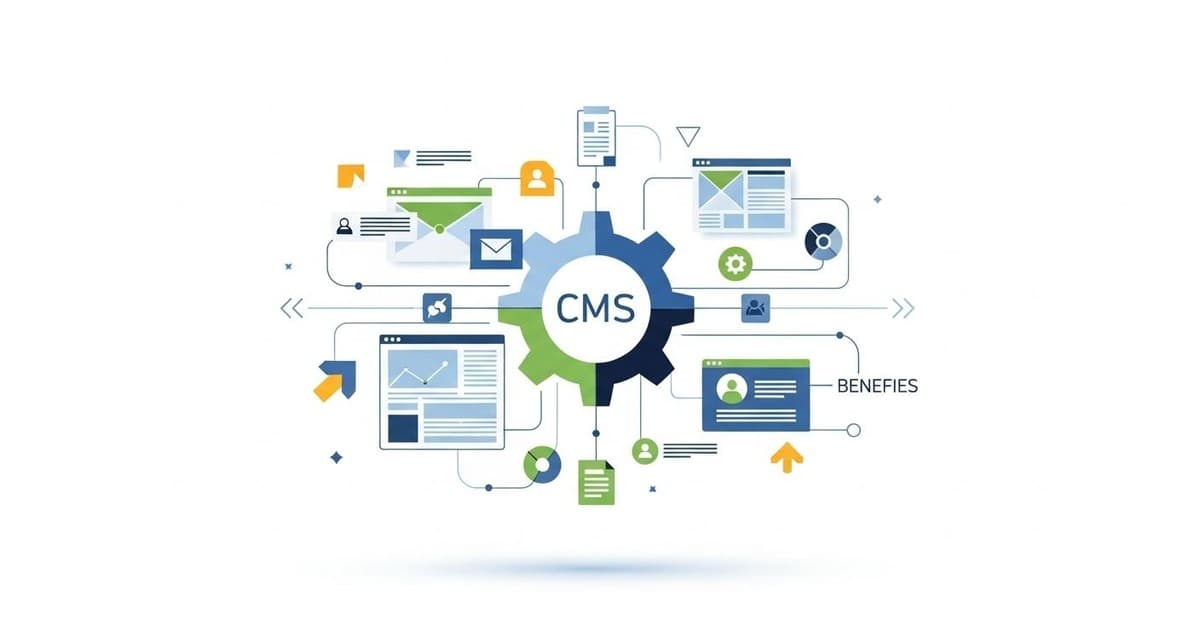
Migrating WordPress to a headless, composable CMS is the strategic move digital and marketing agencies need to make when their clients demand faster performance, better scalability, and more flexible content management across multiple channels. While WordPress has served as the foundation for countless websites, it reveals critical limitations as content complexity grows and client expectations evolve—particularly when managing multiple client accounts with different requirements and workflows.
Understanding the WordPress Limitation Problem
As your agency grows, you'll notice WordPress starts showing its age. The monolithic architecture that once felt straightforward becomes a constraint when you're managing content for dozens of clients simultaneously. Performance degrades as content volumes increase, governance becomes messy across multiple installations, and your developers spend more time maintaining legacy systems than building innovative solutions.
The real challenge emerges when clients expect omnichannel content delivery—their content needs to live on websites, mobile apps, email campaigns, and social platforms. WordPress ties content to the presentation layer, making it nearly impossible to repurpose content efficiently. Your team gets stuck in a cycle of manual duplication and version control nightmares. This is where a modern CMS solution built for scalability becomes essential for agencies managing multiple client accounts.
What Makes Headless and Composable Architecture Different

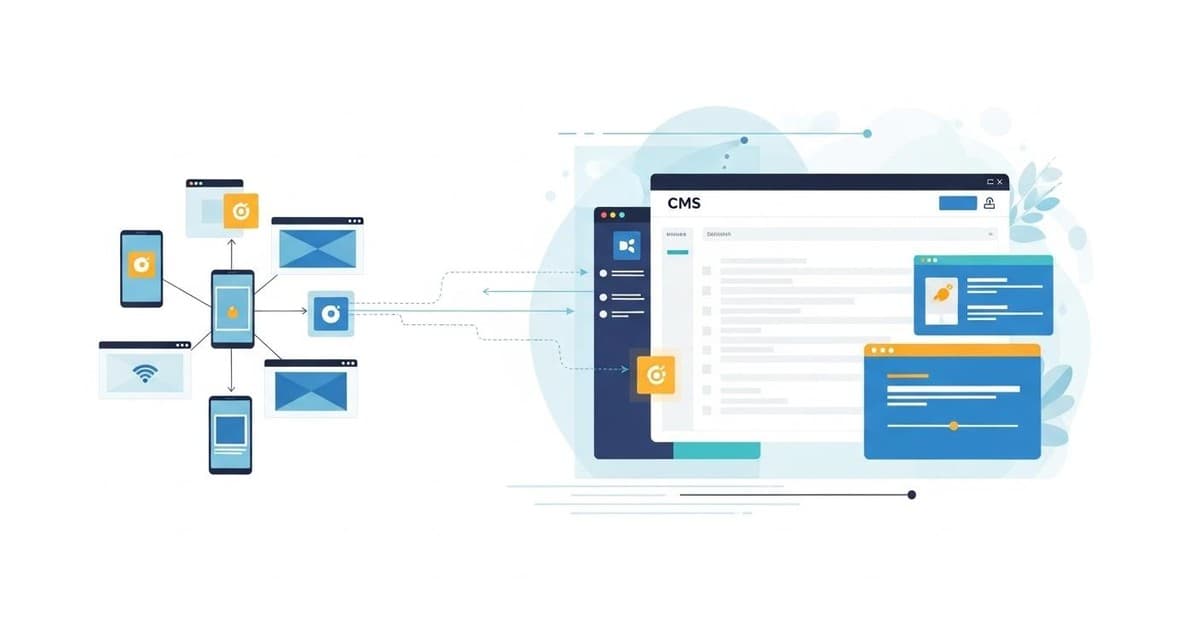
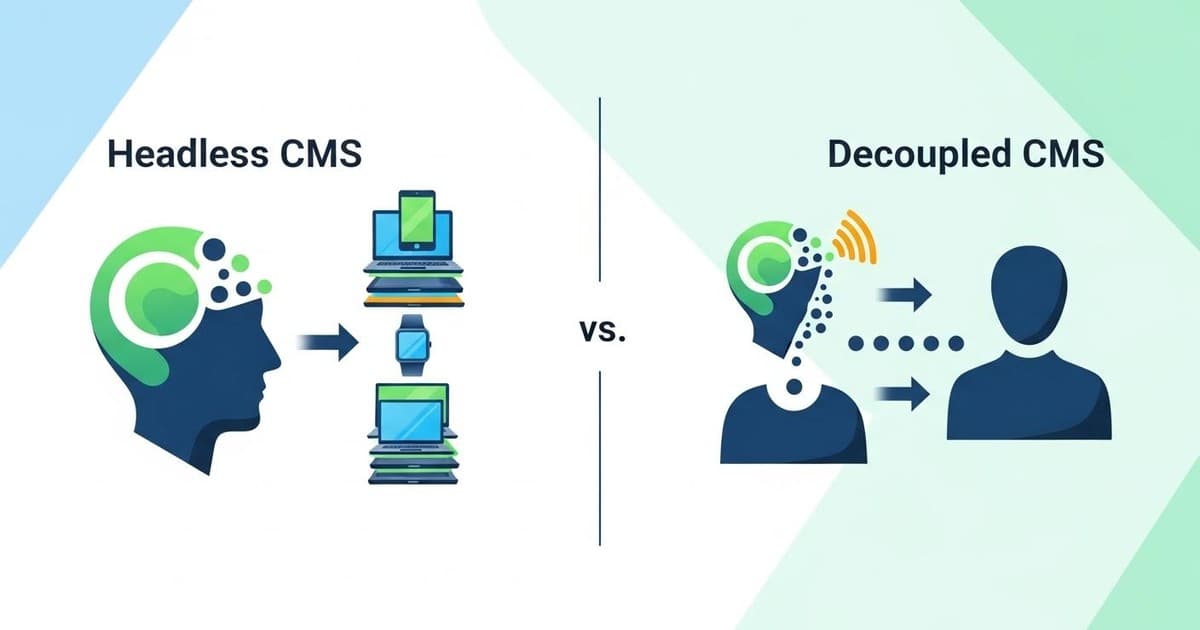
A headless CMS separates content management from presentation, delivering content via APIs to any channel—websites, apps, IoT devices, or whatever comes next. Composable architecture takes this further by letting you pick best-of-breed tools for each layer: your content management, frontend framework, hosting infrastructure, and marketing technology stack all work together seamlessly.
This approach transforms how your agency operates. Content teams gain autonomy through intuitive interfaces, developers work with modern frameworks like Next.js, and your clients benefit from lightning-fast experiences. According to research on WordPress migration strategies, agencies report 40-60% improvements in content delivery speed after making this transition.
Step 1: Comprehensive Technical Assessment

Before touching any code, conduct a thorough evaluation of your existing WordPress implementation. Map your content structures, identify custom post types, review plugin dependencies, and understand how content currently flows across your client accounts. This assessment prevents costly surprises during migration.
Document everything: component usage patterns, custom fields, taxonomy structures, and integration touchpoints. Create a clear, phased roadmap that reduces risk while aligning technology with long-term objectives. This foundational work is where agencies that successfully migrate differ from those that struggle—they treat assessment as investment, not overhead.
Step 2: Content Extraction and Structured Migration
Extract your WordPress content as structured JSON using the WordPress REST API, then map it into purpose-built content models within your new CMS. This structured approach enables content reuse across channels, supports localization capabilities, and ensures structured delivery to any endpoint your clients need.
The beauty of this approach is repeatability. You're not manually exporting and reimporting—you're building a process that scales across all your client accounts. Each client's content gets properly structured, validated, and organized before it ever touches your new system. Detailed migration guides emphasize this structured approach as critical for avoiding data quality issues.
Step 3: Leveraging Modern Migration Tools
Use CLI tools and migration frameworks designed for this exact scenario. These tools create repeatable, auditable import processes that minimize manual effort and reduce risk. When you're managing migration for multiple clients, automation becomes your best friend.
Combining REST API extraction with CLI-based imports creates a reliable path from legacy content to your composable platform. Your team documents the process, runs it across clients, and maintains consistency across all accounts. This is the foundation for managing multiple clients efficiently—standardized processes that scale.
Building Modular Content Architecture
Implement modular content blocks that empower your content teams. Instead of rigid page templates, content authors assemble pages from reusable components without developer intervention. This component-based approach dramatically accelerates content velocity—your clients' teams can publish faster, and your developers focus on higher-value work.
A centralized component library serves as the single source of truth for all UI elements across your client accounts. This ensures consistent brand experiences, faster development cycles, and easier maintenance. When a client needs a design update, you update the component once, and it propagates everywhere. This is how agencies scale storytelling at speed without proportionally increasing team size.
Performance as a Core Feature

Pair Next.js server-side rendering with CDN-level cache revalidation to deliver content that's both dynamic and fast. Your clients' pages load quickly, SEO performance improves, and users experience responsive interactions. This isn't just about speed—it's about user experience that converts.
The technical magic happens when content updates trigger cache revalidation automatically. Your clients' teams publish new content, and it appears instantly across all channels without manual cache clearing or performance degradation. This seamless publishing experience is what modern clients expect, and it's what sets your agency apart.
Client Management and Multi-Tenancy Considerations

When managing multiple clients with a CMS, clear separation of concerns becomes critical. Each client needs their own content space, but your development team should share infrastructure and tooling. This balance maximizes efficiency while maintaining security and data isolation.
Look for CMS platforms that support multi-tenant architectures natively. This approach reduces operational overhead—you're not spinning up separate instances for each client—while maintaining complete data separation and security. Your team manages one infrastructure layer serving all clients, dramatically reducing maintenance burden. Understanding the nuances of client management with a CMS helps you structure your migration for long-term success.
AI-Powered Workflows for Agencies
Modern CMS platforms increasingly integrate AI workflows that benefit agencies managing multiple clients. Imagine automating content optimization, generating metadata, or suggesting content improvements across all client accounts simultaneously. AI workflows transform how your team operates, enabling them to focus on strategy rather than repetitive tasks.
These capabilities become especially powerful when you're leveraging AI for personalization and customer touchpoints. Your clients' content becomes smarter, more targeted, and more effective—all with tools that scale across your entire client roster.
Measuring Migration Success
Define success metrics before migration begins. Track page load times, content publishing velocity, developer productivity, and client satisfaction. These metrics tell the real story of whether your migration delivered value.
Most agencies report significant improvements across all dimensions. Content teams publish 30-50% faster, page load times drop by 40-60%, and developers spend less time on maintenance and more time on innovation. Your clients notice the difference—faster sites, better user experiences, and more flexibility to evolve their digital presence. Explore how brands that have evolved their digital experience leveraged modern platforms to stay competitive.
Preparing Your Team for Change
Migration isn't just technical—it's organizational. Your content teams learn new workflows, your developers adopt modern frameworks, and your operations team manages new infrastructure. Invest in training and documentation to ensure smooth adoption.
The good news: most teams find the new tools more intuitive and empowering than legacy WordPress. Content authors appreciate the autonomy, developers enjoy working with modern frameworks, and operations teams benefit from cloud-native infrastructure that scales automatically. Change management becomes easier when the new system genuinely improves people's work.
The Path Forward for Your Agency
Migrating from WordPress to a headless, composable CMS isn't just a technology upgrade—it's a strategic transformation that unlocks content velocity, performance optimization, and future-proof flexibility. With careful planning, the right technical approach, and focus on your team's needs, your agency can transition smoothly while maintaining business continuity.
The agencies winning in 2025 aren't the ones managing WordPress at scale—they're the ones who've evolved to modern architectures that empower their teams and delight their clients. Start with assessment, move methodically through migration, and build for scale from day one. Your future clients will thank you for the foundation you're building today. For deeper insights into optimizing your digital strategy, explore customer retention strategies that modern CMS platforms enable.