What is a Cloud CMS: Everything You Need to Know
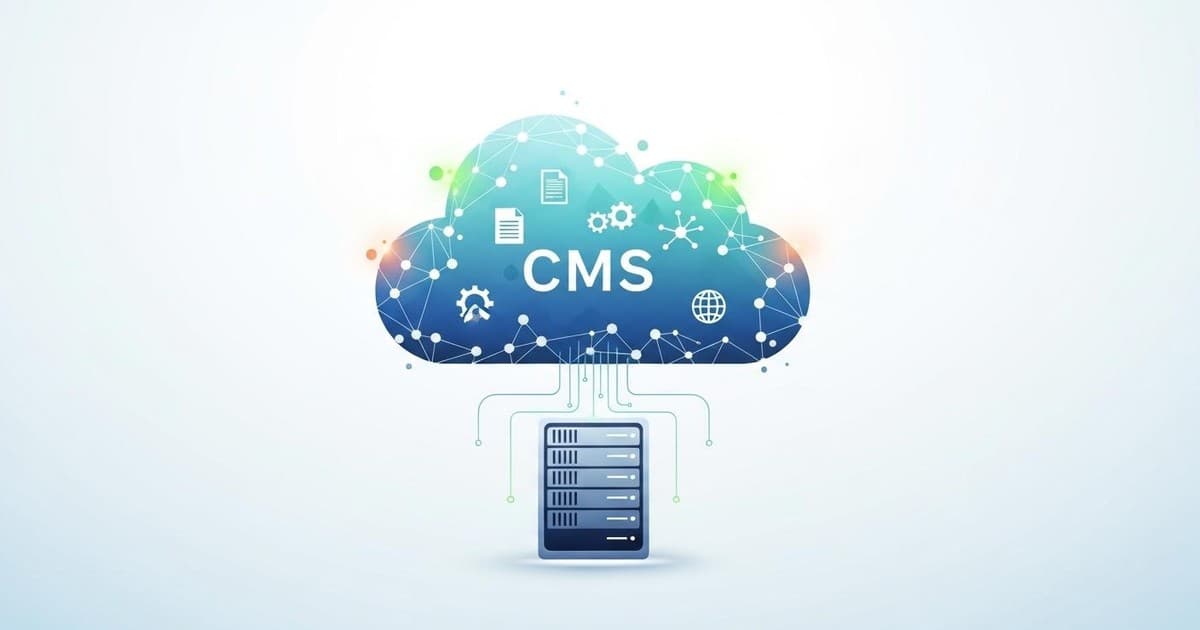
A cloud CMS is a content management system hosted entirely on cloud infrastructure, allowing teams to create, manage, and publish digital content from anywhere with an internet connection, without the need for local servers or complex IT maintenance. For digital and marketing agencies juggling multiple client projects, this modern approach to content management has become essential for delivering fast, scalable solutions.
The shift from traditional, server-based systems to cloud-native platforms represents more than just a technological upgrade—it's a fundamental change in how agencies work with their clients and manage content workflows. Let's explore everything you need to know about cloud CMS platforms and why they matter for your agency.
How Cloud CMS Differs from Traditional Content Management Systems

Traditional content management systems require physical servers, manual updates, and dedicated IT resources to maintain. You're responsible for security patches, backups, and scaling infrastructure as your needs grow. This creates overhead that most agencies would rather avoid.
Cloud-based CMS platforms flip this model entirely. The vendor handles all infrastructure, security updates, and scaling automatically. You access the system through a web browser, and your content is stored securely in the cloud with automatic backups. This means your team can focus on creating great content for clients rather than managing servers.
The architecture also differs significantly. Most cloud CMS solutions follow a headless or decoupled approach, separating content management from content presentation. This gives you the flexibility to publish the same content across websites, mobile apps, digital displays, and any other channel your clients need.
Key Benefits of Cloud CMS for Digital Agencies
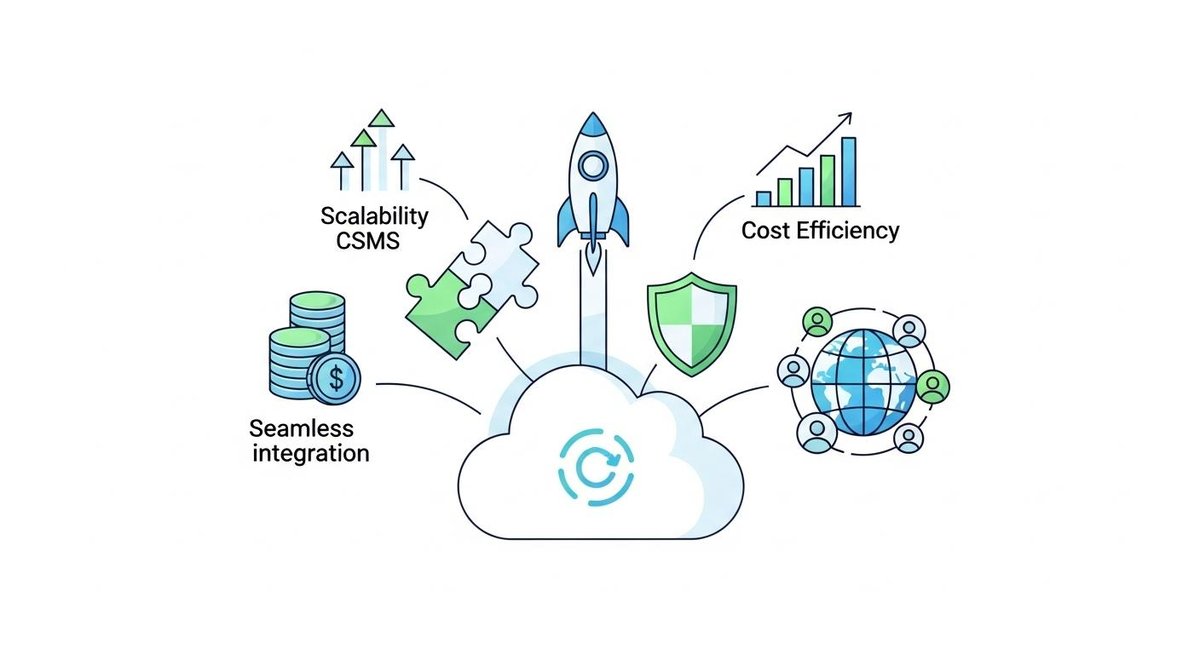
The advantages of adopting a cloud-based CMS become immediately apparent when you're managing multiple client accounts simultaneously. Accessibility tops the list—your entire team can collaborate on projects from different locations without VPN configurations or remote desktop connections.
Cost efficiency follows closely behind. You eliminate upfront hardware investments and reduce ongoing maintenance expenses. Most cloud CMS platforms operate on subscription models that scale with your usage, making it easier to manage budgets and pass predictable costs to clients.
Security and compliance receive professional-grade attention that would be expensive to replicate in-house. Cloud CMS vendors invest heavily in security infrastructure, regular audits, and compliance certifications. They handle DDoS protection, encryption, and vulnerability patching automatically.
Scalability happens seamlessly. When a client's website experiences traffic spikes, the cloud infrastructure adjusts automatically. You don't need to provision additional servers or worry about performance degradation during peak periods.
Essential Features to Look for in a CMS for Digital Agencies

When evaluating the best cms for marketing agency needs, multi-client management capabilities should be your first consideration. You need clear separation between client workspaces while maintaining centralized oversight and billing.
User permission systems must offer granular control. Different clients require different access levels, and your team members need role-based permissions that align with their responsibilities. Managing multiple clients with a cms becomes significantly easier when you can configure these permissions quickly and reliably.
API-first architecture enables the integrations modern agencies require. Your cloud CMS should connect smoothly with marketing automation platforms, analytics tools, CRM systems, and custom applications. RESTful APIs and webhooks provide the flexibility to build exactly the workflows your clients need.
Collaboration tools are non-negotiable. Look for features like content versioning, approval workflows, inline commenting, and real-time editing capabilities. These features reduce email back-and-forth and keep projects moving forward efficiently.
Understanding SaaS CMS Deployment Models

The SaaS CMS delivery model offers distinct advantages for agencies operating on tight timelines. Implementation happens in days rather than months because there's no infrastructure to configure. You create an account, invite team members, and start building.
Updates and new features arrive automatically without disrupting your work. When the vendor releases improvements or security patches, they apply across all instances simultaneously. This ensures you're always working with the latest capabilities without manual upgrade processes.
The trade-off involves less control over the underlying infrastructure compared to self-hosted solutions. However, for most agencies, this limitation is far outweighed by the convenience and reliability of having experts manage the technical details.
Common Challenges with Popular Cloud CMS Platforms
While cloud CMS platforms offer numerous benefits, agencies often encounter specific pain points with certain solutions. Understanding these challenges helps you make informed decisions when selecting a platform.
Some agencies report problems with kontent ai related to pricing complexity and feature limitations at lower tiers. As your client roster grows, costs can escalate quickly, and certain advanced features remain locked behind enterprise-level contracts.
Contentful reviews frequently mention steep learning curves for non-technical users and complexity in setting up basic content models. While powerful, the platform sometimes requires developer involvement for tasks that marketing teams should handle independently.
Other platforms struggle with client management with a cms, lacking intuitive ways to separate client workspaces or provide white-label experiences. This forces agencies to implement workarounds that add complexity to their workflows.
AI-Powered Workflows in Modern Cloud CMS
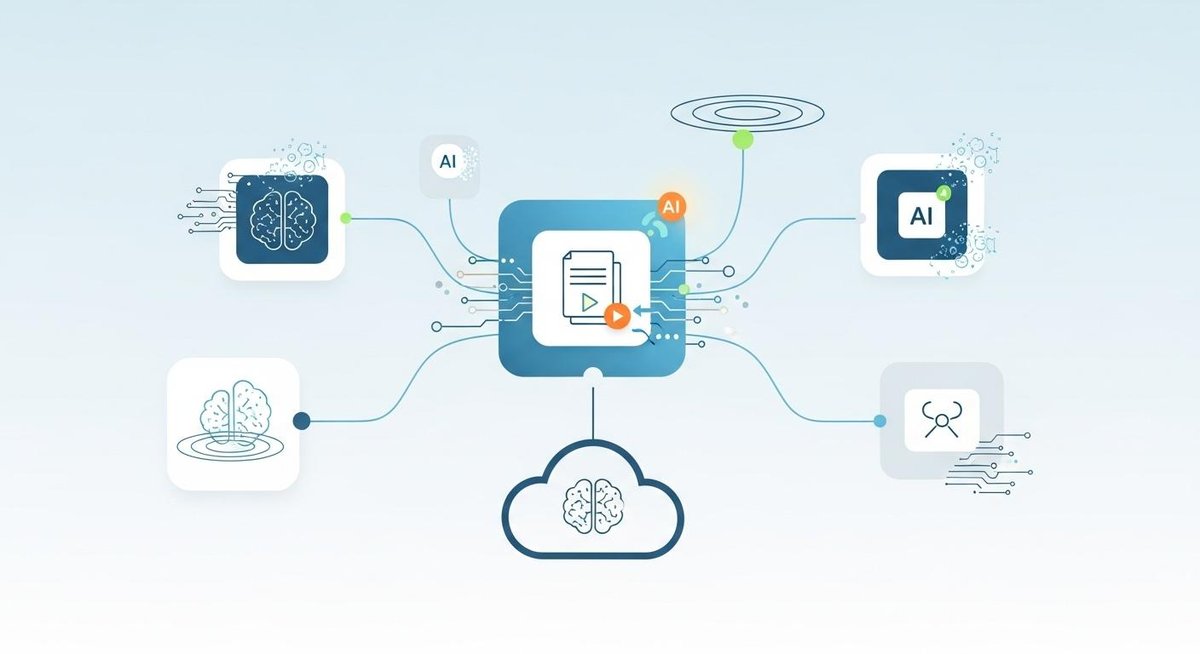
Artificial intelligence is transforming how agencies create and manage content. Modern cloud CMS platforms integrate AI capabilities that accelerate workflows and improve content quality.
AI-assisted content creation helps teams generate first drafts, headlines, and meta descriptions faster. While human creativity remains essential, these tools eliminate blank-page syndrome and provide starting points that your team can refine.
Automated image optimization and tagging save hours of manual work. AI can analyze images, suggest alt text, identify objects and scenes, and even recommend the best crops for different display contexts.
Content recommendations powered by machine learning help editors surface related articles, suggest internal linking opportunities, and identify content gaps. These insights improve SEO performance and user engagement across client properties.
The essential features that boost agency efficiency increasingly include these AI capabilities, making them a key differentiator when evaluating platforms.
Choosing the Right Cloud CMS for Your Agency

The selection process should start with your specific agency needs rather than feature checklists. Consider the types of clients you serve, the complexity of their projects, and your team's technical capabilities.
Evaluate how each platform handles multi-client scenarios. Can you easily onboard new clients? Does the billing structure make sense for your business model? Will clients be able to use the system without extensive training?
Test the actual user experience with realistic scenarios. Create sample content models, set up approval workflows, and invite team members to collaborate. The platform that looks best on paper may not feel right in daily use.
Consider the vendor's track record and support quality. How quickly do they respond to issues? Is documentation comprehensive? Does the community actively share solutions and best practices?
How Decipher Addresses Agency-Specific Challenges
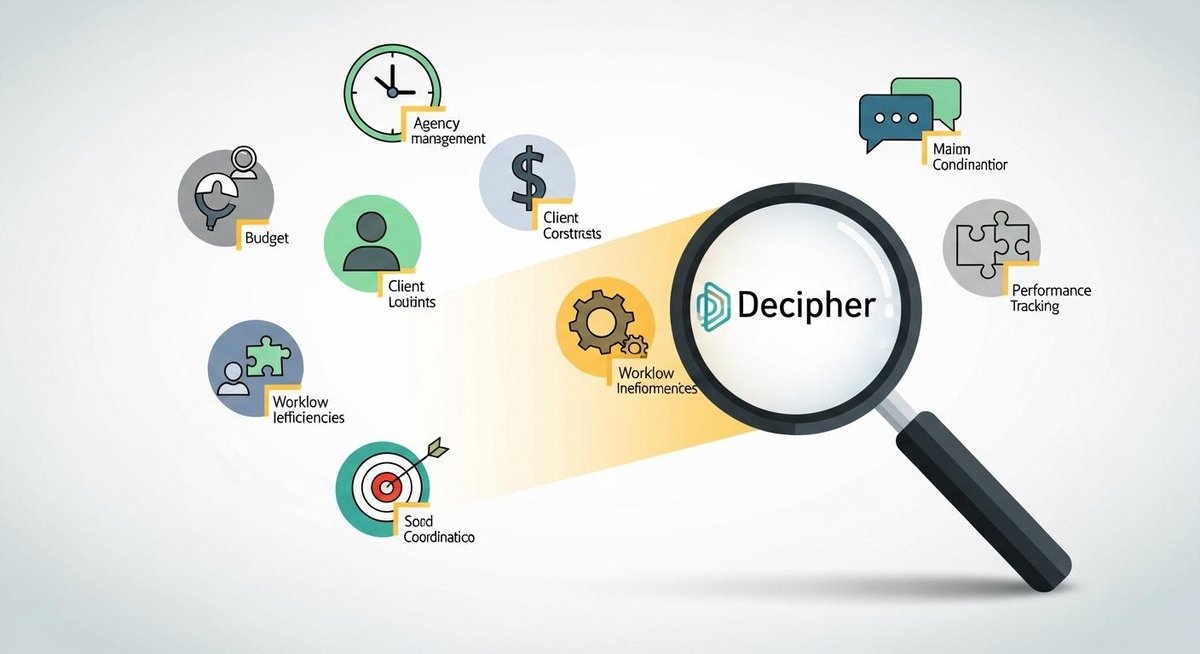
For agencies based in Kuala Lumpur and beyond, finding a cloud CMS that truly understands agency workflows makes a significant difference. Decipher was built specifically with digital and marketing agencies in mind, addressing the pain points that generic platforms overlook.
The platform excels at managing multiple clients with a cms through intuitive workspace separation and streamlined client onboarding. You can provision new client environments in minutes, complete with customized branding and permissions that match each client's organizational structure.
AI workflows in Decipher go beyond basic content suggestions. The platform learns from your agency's content patterns and client preferences, offering increasingly relevant recommendations that align with each brand's voice and goals. This intelligence helps junior team members produce work that meets senior-level standards more quickly.
The interface prioritizes ease of use without sacrificing power. Non-technical team members can create complex content models and workflows through visual builders, while developers have access to robust APIs for custom integrations and advanced functionality.
Decipher's benefits for digital agencies as a cms extend to transparent pricing that scales logically with your business, comprehensive onboarding support, and a commitment to continuous improvement based on agency feedback.
Getting Started with Cloud CMS Implementation
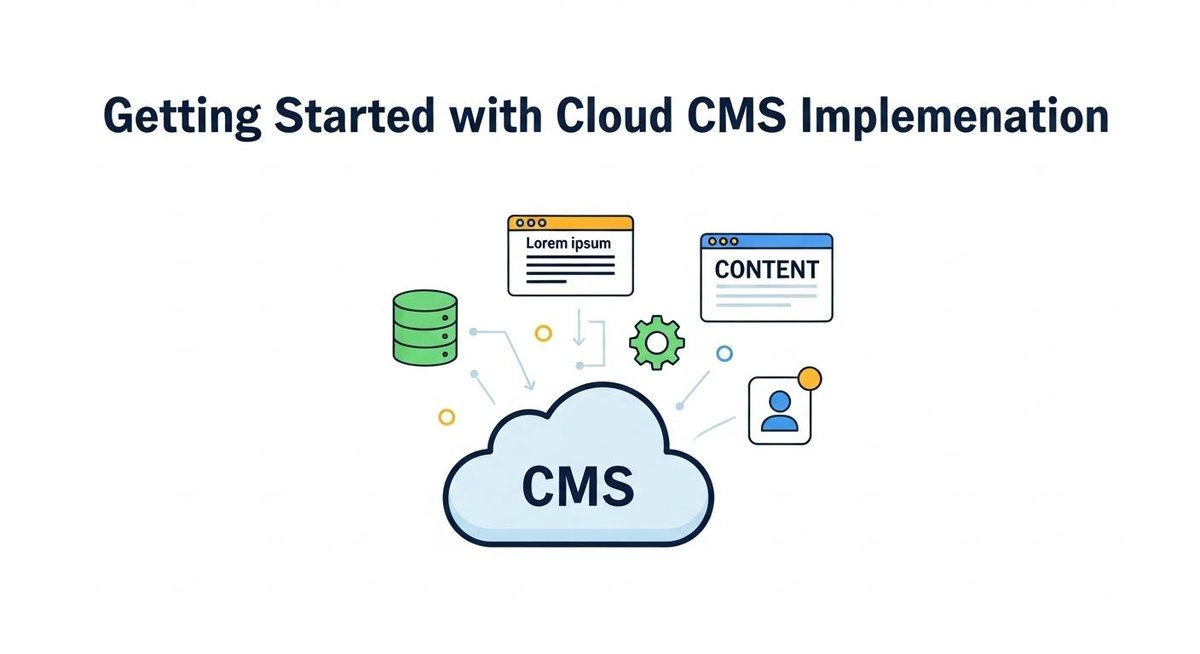
Transitioning to a cloud CMS doesn't require a complete operational overhaul. Start with a single client project as a pilot, allowing your team to learn the platform without risking multiple client relationships.
Document your current content workflows before migration. Understanding how content moves through your organization today helps you configure the new system to support—and improve—those processes.
Invest time in proper setup from the beginning. Well-structured content models, clear naming conventions, and thoughtful permission schemes prevent confusion as you scale. The hours spent planning save weeks of reorganization later.
Train your team in phases rather than all at once. Start with core functionality, then introduce advanced features as confidence builds. This approach prevents overwhelm and ensures solid foundational knowledge.
A cloud CMS represents more than a technology choice—it's an investment in your agency's ability to deliver exceptional results efficiently. By understanding the landscape, recognizing common pitfalls, and selecting a platform that aligns with your agency's specific needs, you position your team for sustainable growth and client satisfaction.


